
Not sure what
to clean?
Start with
five minutes.
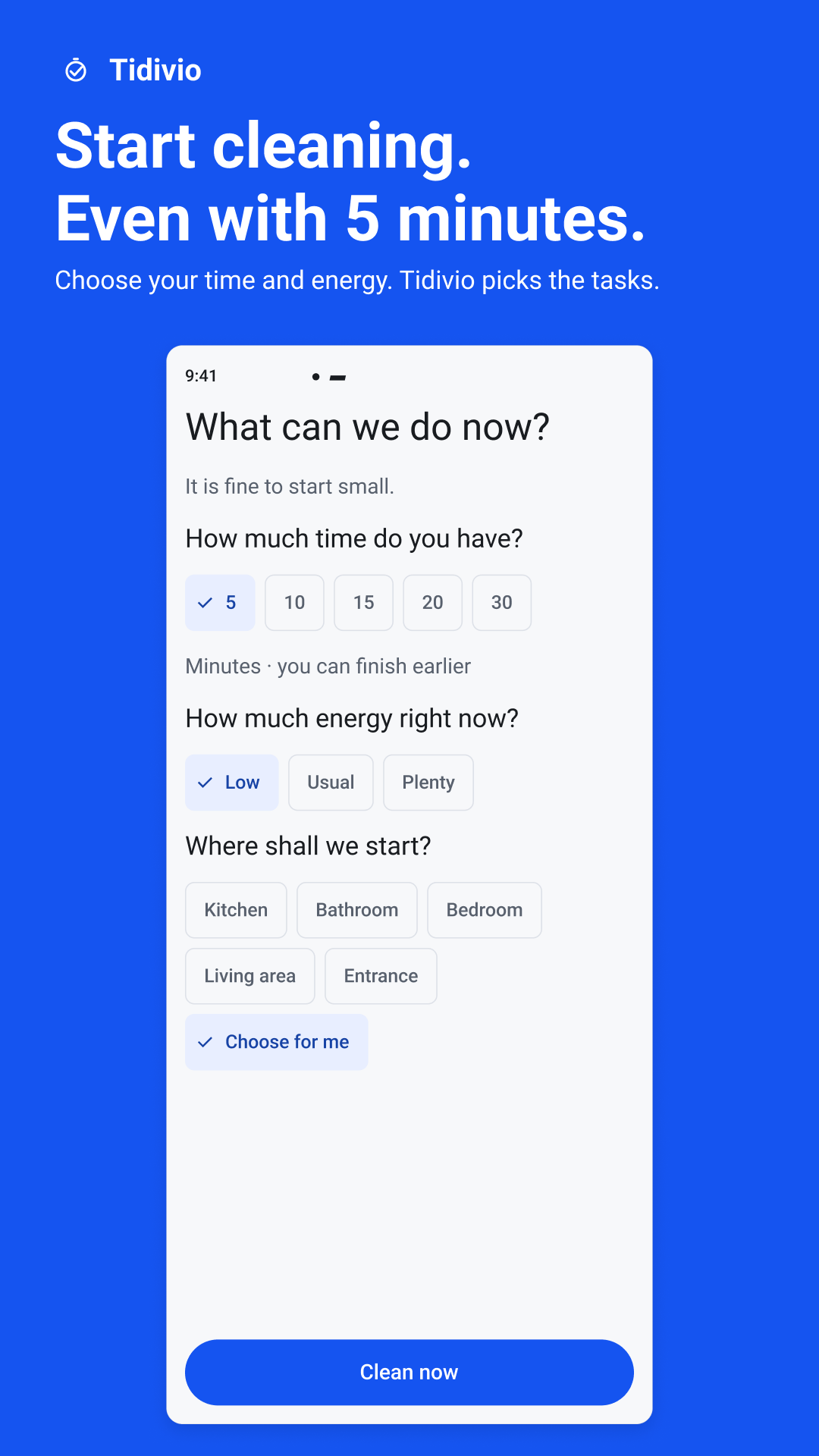
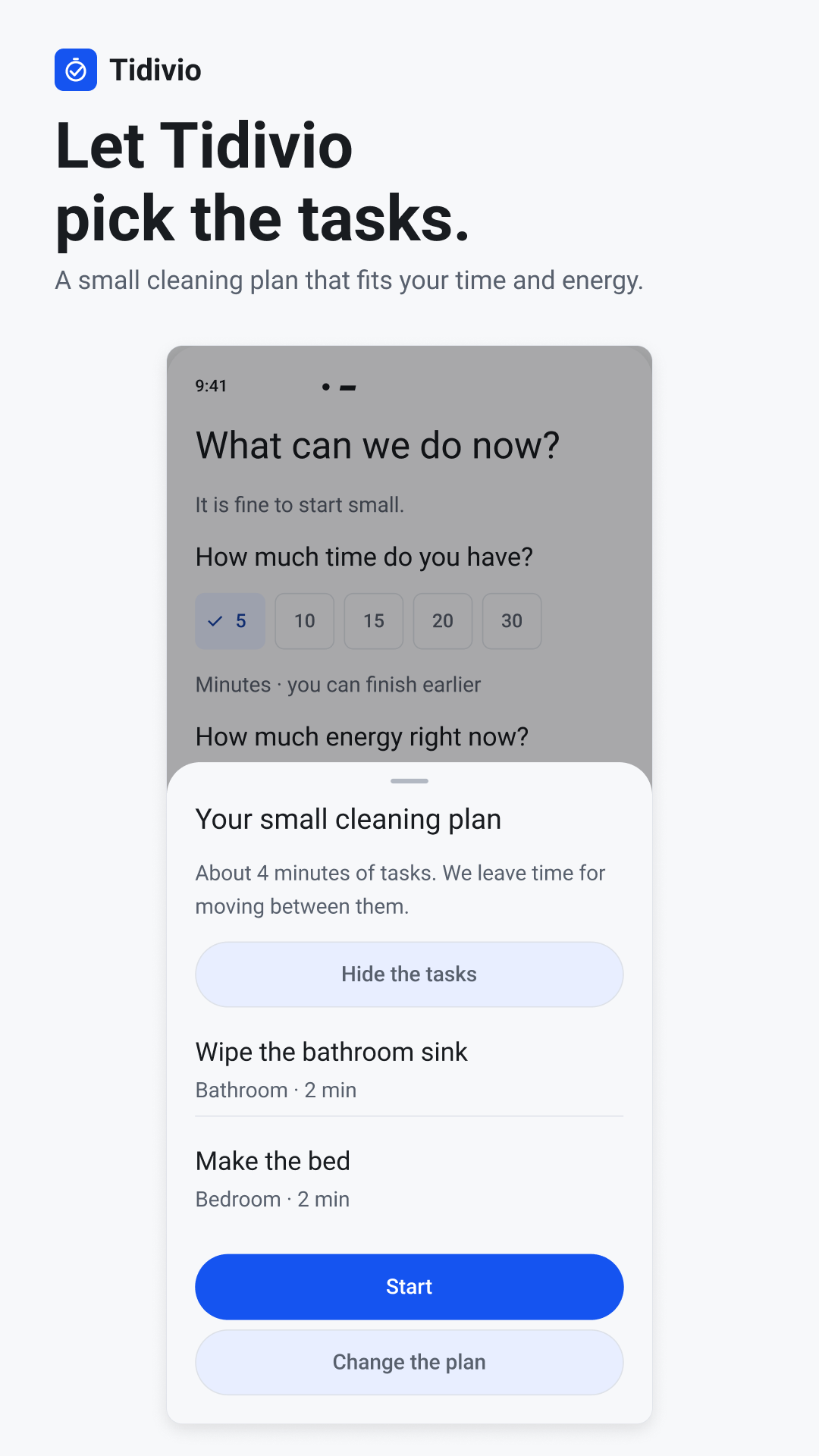
Choose your time and energy. Tidivio picks a small plan, one task at a time.
A free cleaning timer and chore planner for Android.
Free to use. No ads or account.
A small plan.
A clear stopping point.
You don’t need to tackle everything.
Just the next manageable thing.
- 01
Start with what you have
Five, ten, fifteen, twenty or thirty minutes. Choose your energy and a room — or let Tidivio choose where to start.
- 02
One task. A little direction.
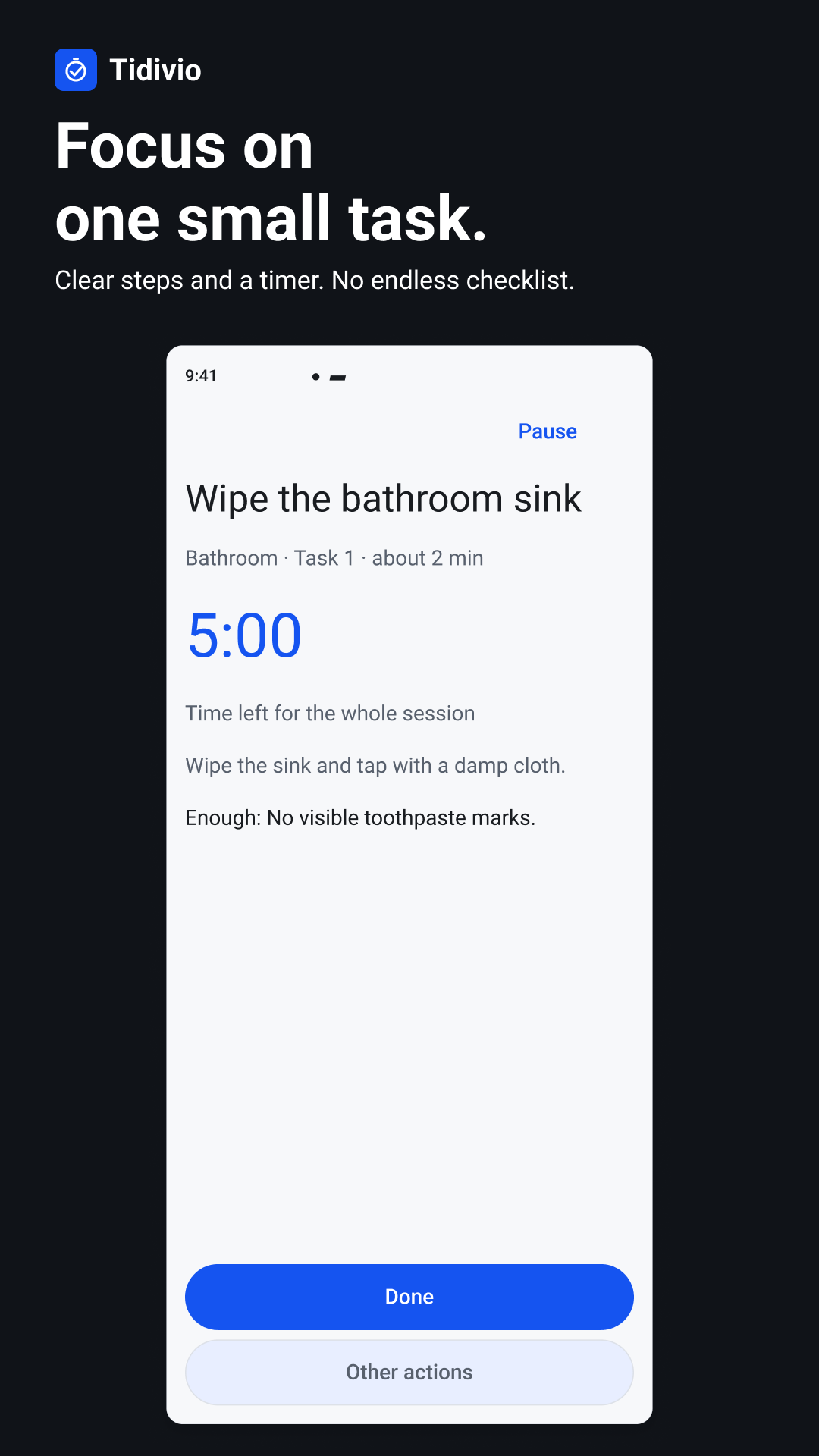
Follow short instructions with a session timer. Pause, finish early, or mark a task done or already clean. Undo your latest mark if you need to.
- 03
Done means done
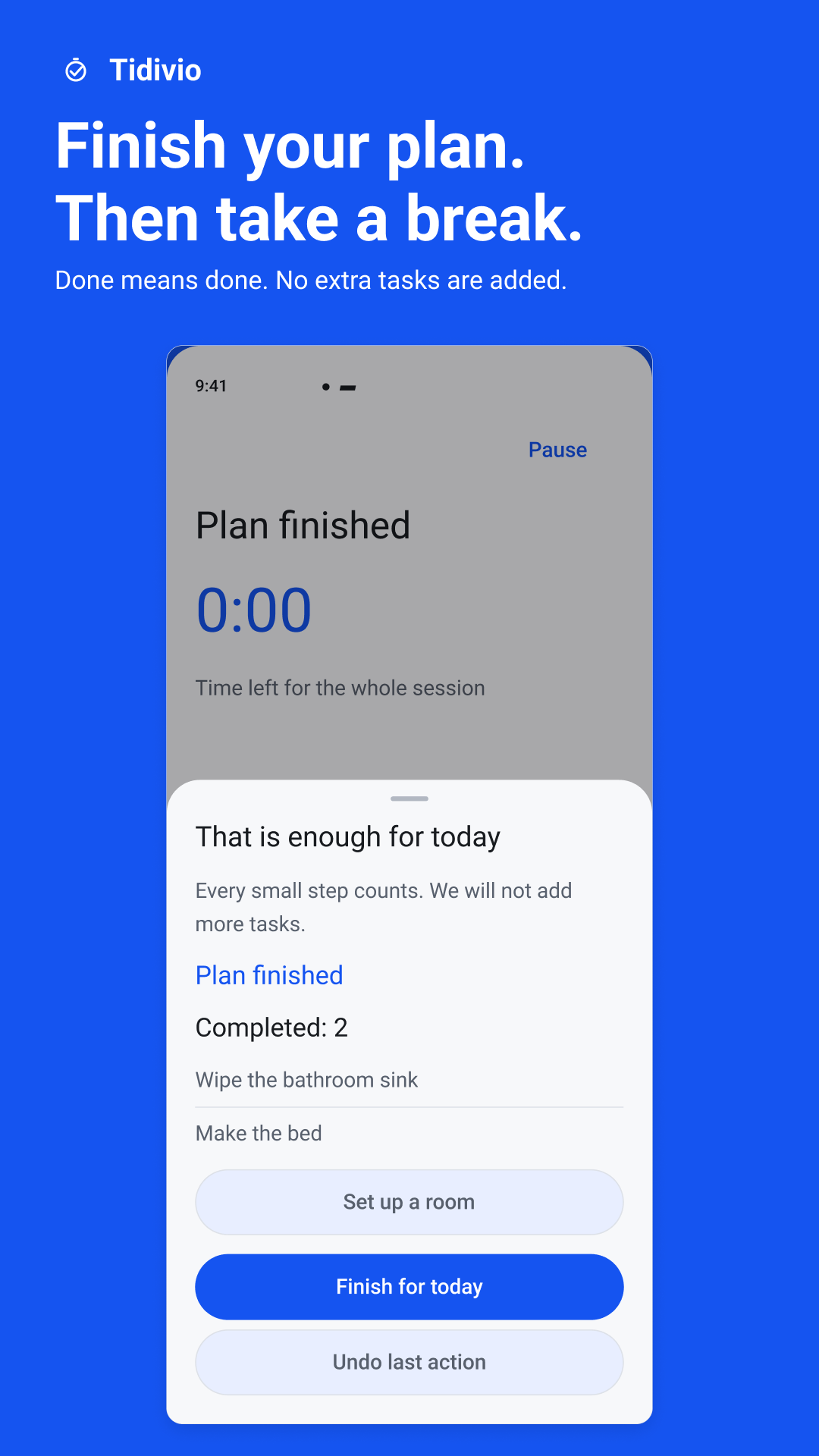
When your plan ends, no extra tasks are added. You can finish for today and get on with the rest of your day.
A little less deciding.
A little more doing.
From “where do I start?” to “that’s enough for today.”
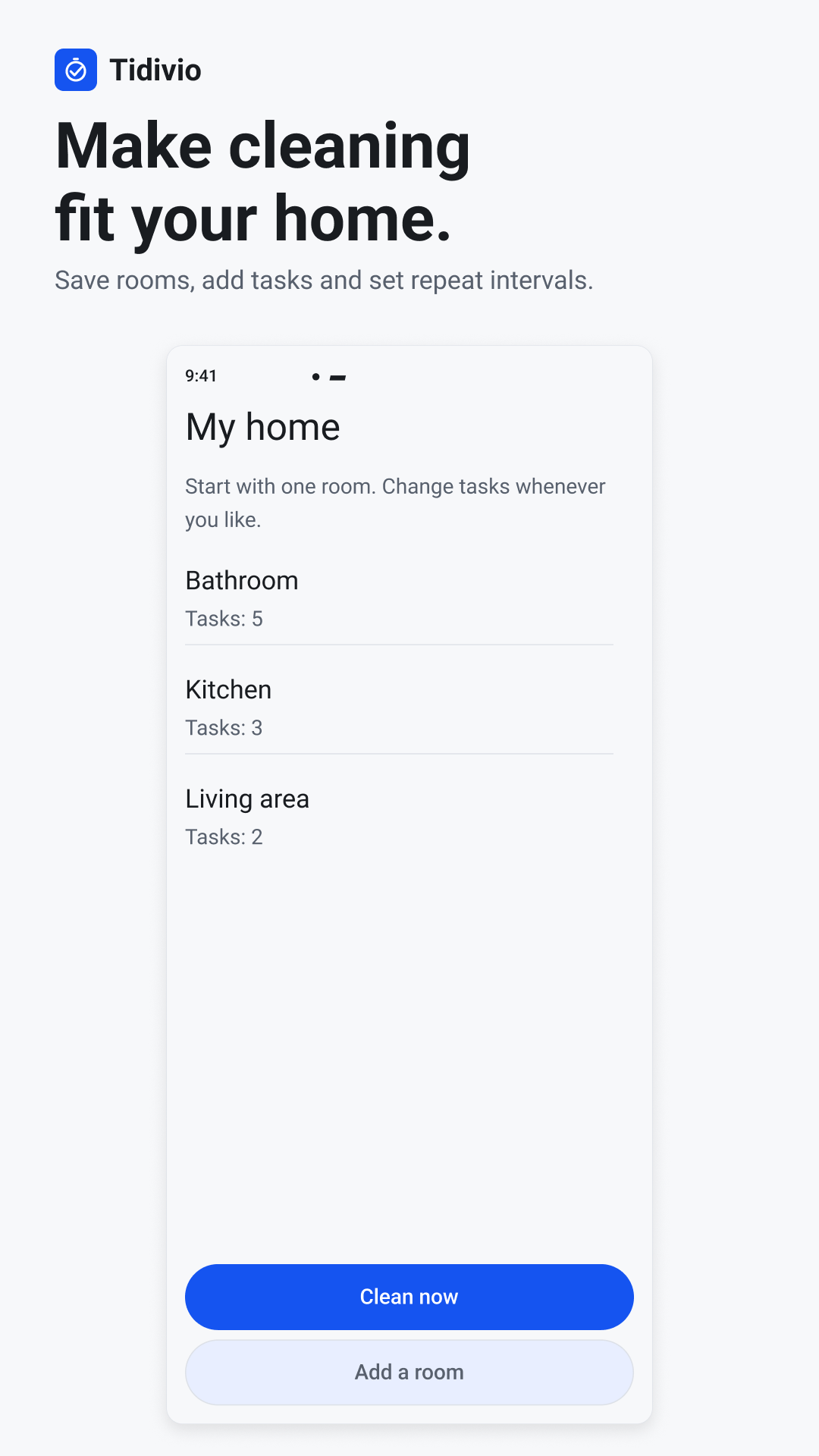
Your home.
Your kind of clean.
Start with 60 ready-made chores across five standard rooms. Then make the plan feel like yours.
Add your own rooms and tasks, set repeat intervals, and keep a history of what you’ve done. Optional reminders are there when you want them.
Take a look insideA few good
questions.
Is it free?
Yes. All current features are free, with no ads, purchases or subscriptions.
Can I clean offline?
Yes. Cleaning plans, tasks and the timer work offline. You don’t need an account.
Can I add my own rooms and tasks?
Yes. Add custom rooms and tasks, and set repeat intervals to fit your home and routine.
Where is my cleaning data stored?
Your cleaning content — including rooms, tasks and history — stays on your device. OS-managed backup depends on your device settings. Separately, the Android app uses Firebase Analytics to process limited usage and device information. Read the Privacy Policy for the details.
Short guides
to get started.
A 5-minute cleaning routine for one room
A timed one-room reset that adds up to exactly five minutes.
A 15-minute cleaning routine for regular upkeep
One maintenance routine with timings that include moving between tasks.
How to start cleaning when you feel overwhelmed
Where to begin when everything seems to need doing at once.
- All guides
A small start is still a start.
Make a little room for cleaning. Then make room for everything else.

For Android · Free to use